
Kuda App Redesign
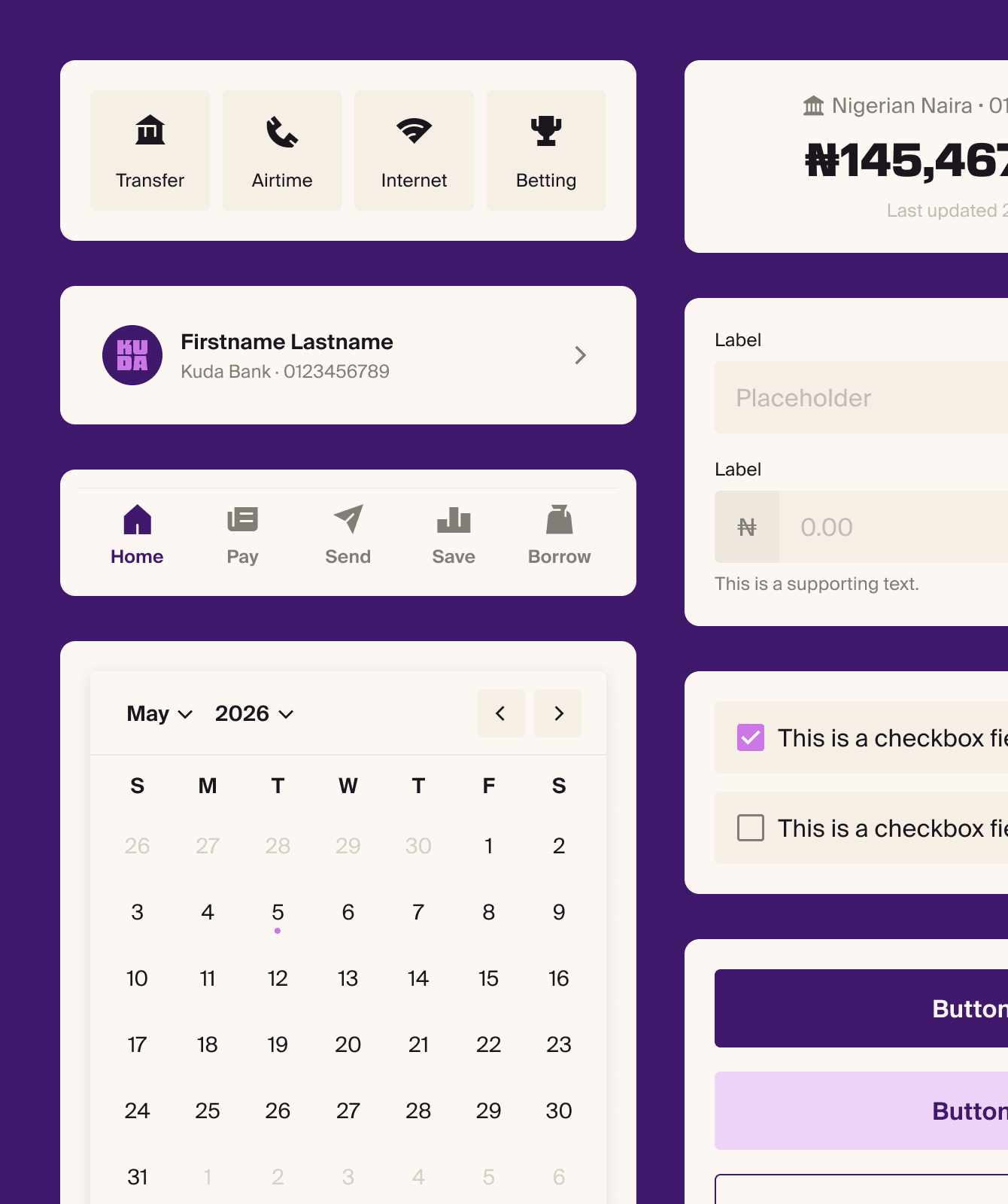
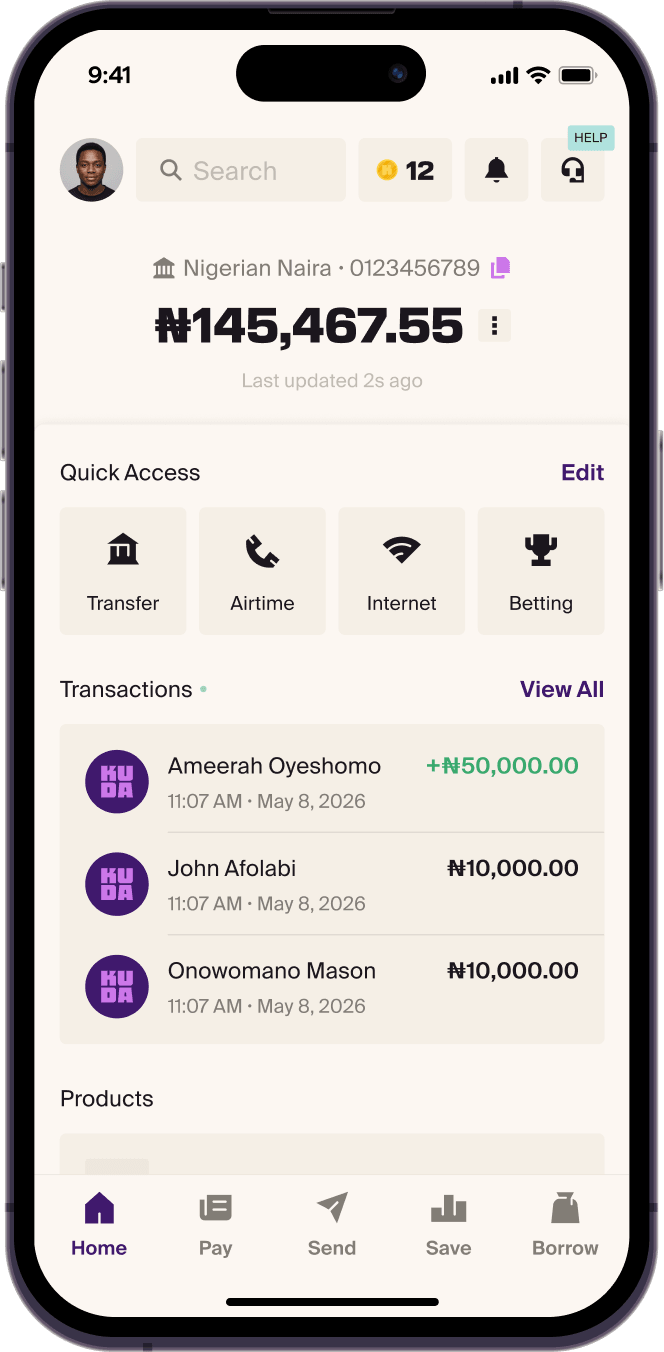
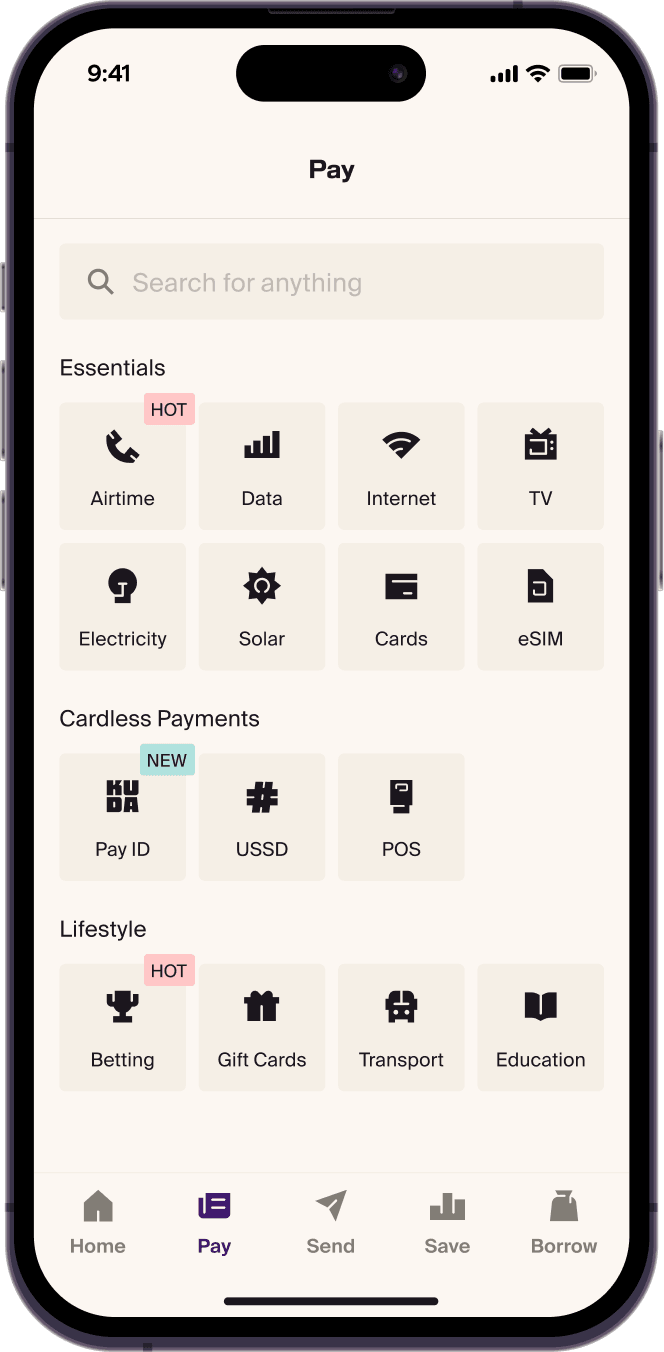
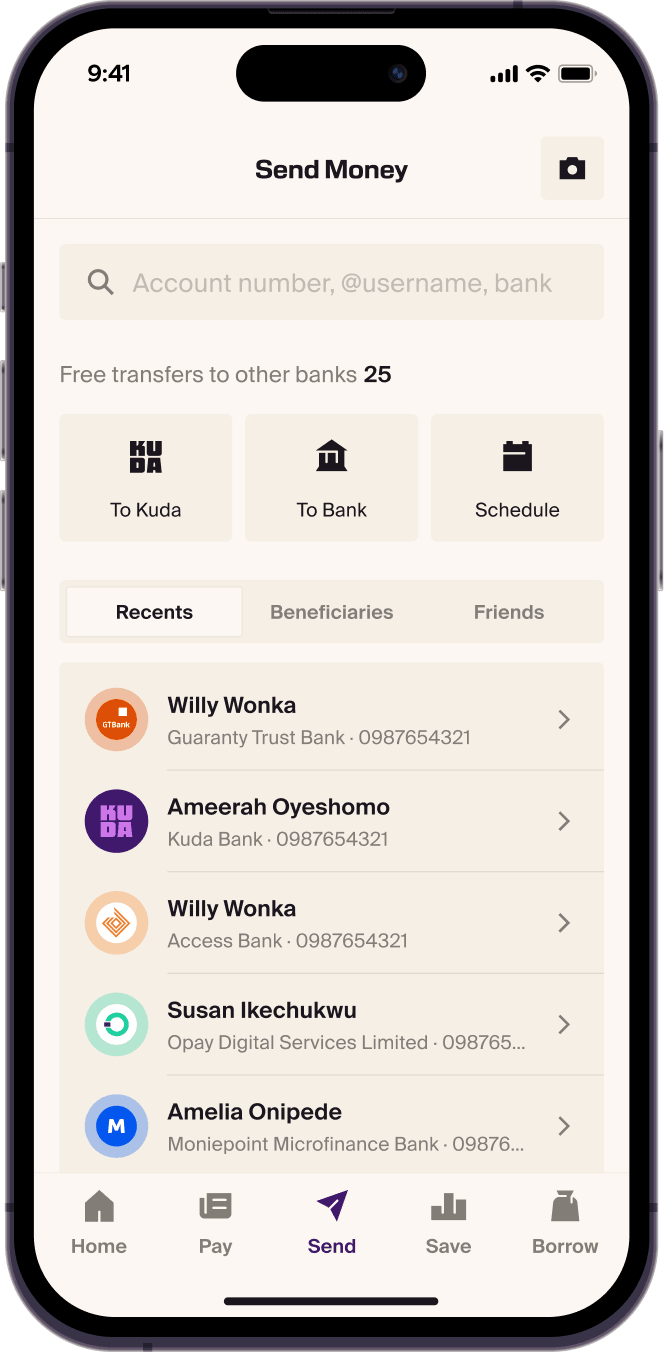
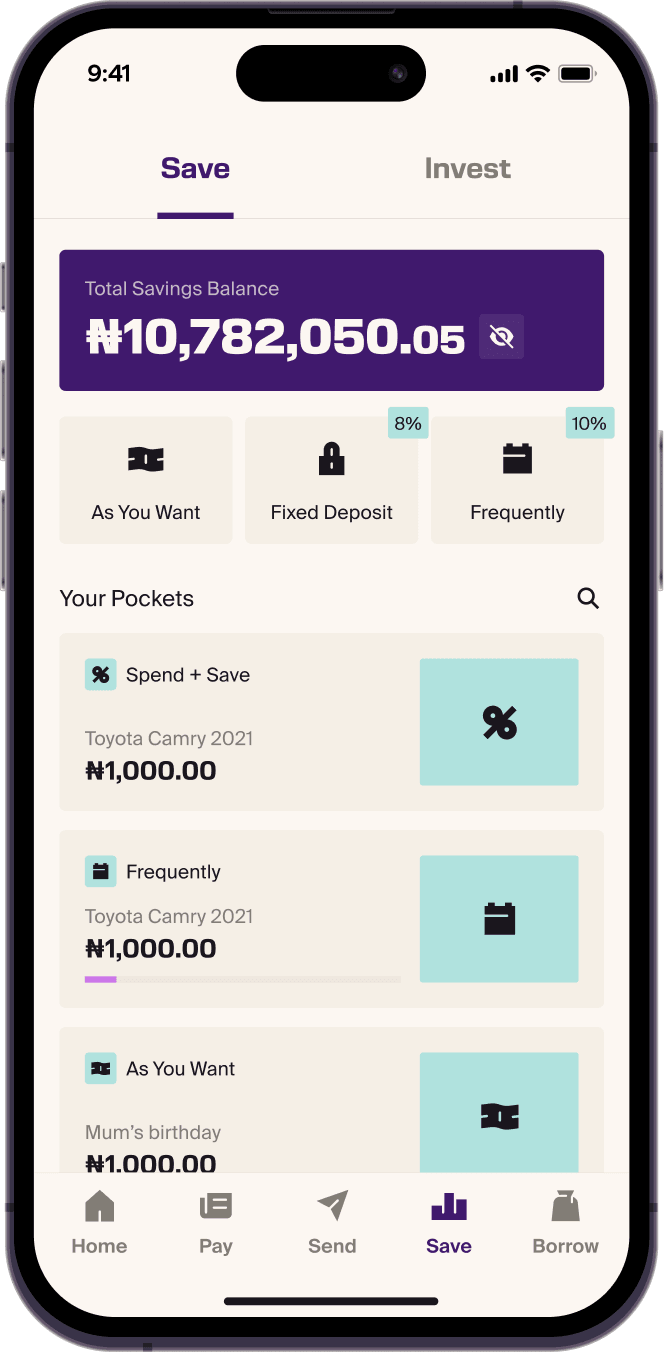
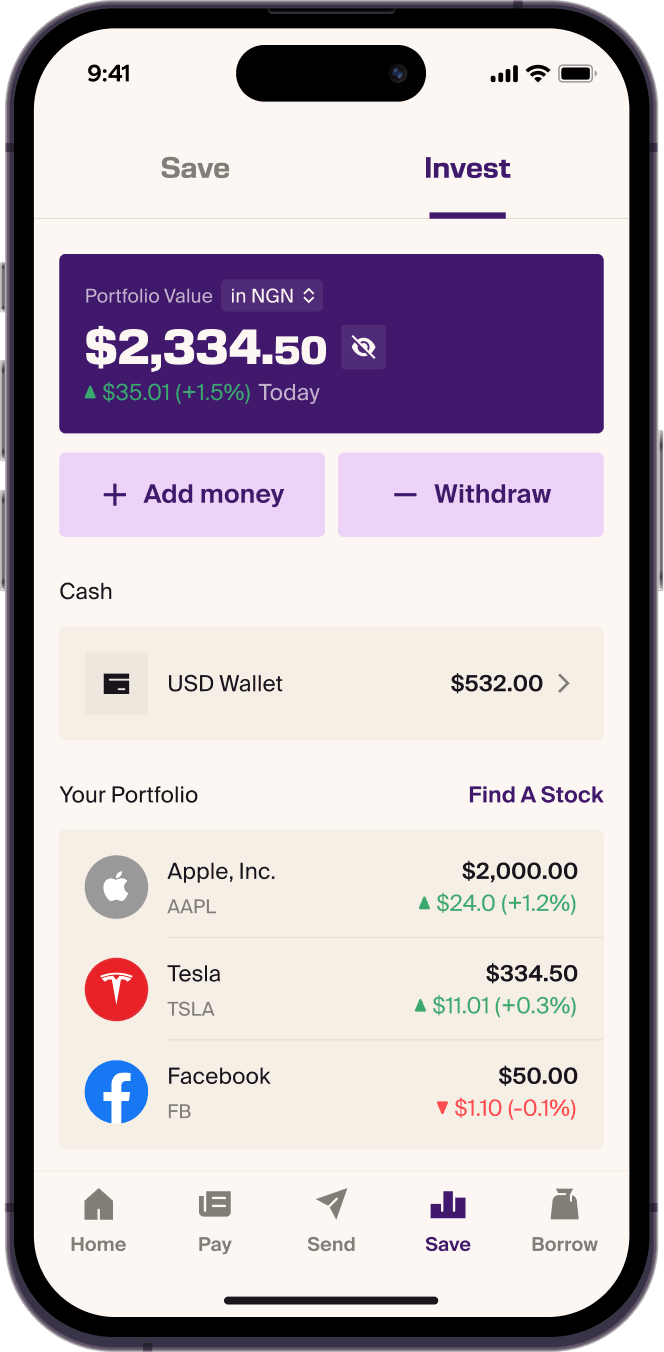
Redesigning the app’s navigation and visual experience to bring Kuda’s new identity into the product.

Product Designer. Currently at  Kuda.
Kuda.
Hii, I’m Pelumi, a product designer with a growing focus on design engineering and AI. I design end-to-end experiences, build the systems behind them, and use AI-assisted workflows to explore ideas, solve problems, and turn concepts into working products.
Redesigning the app’s navigation and visual experience to bring Kuda’s new identity into the product.
Evolving Kuda’s design system to support a new brand, multiple platforms and faster product delivery.
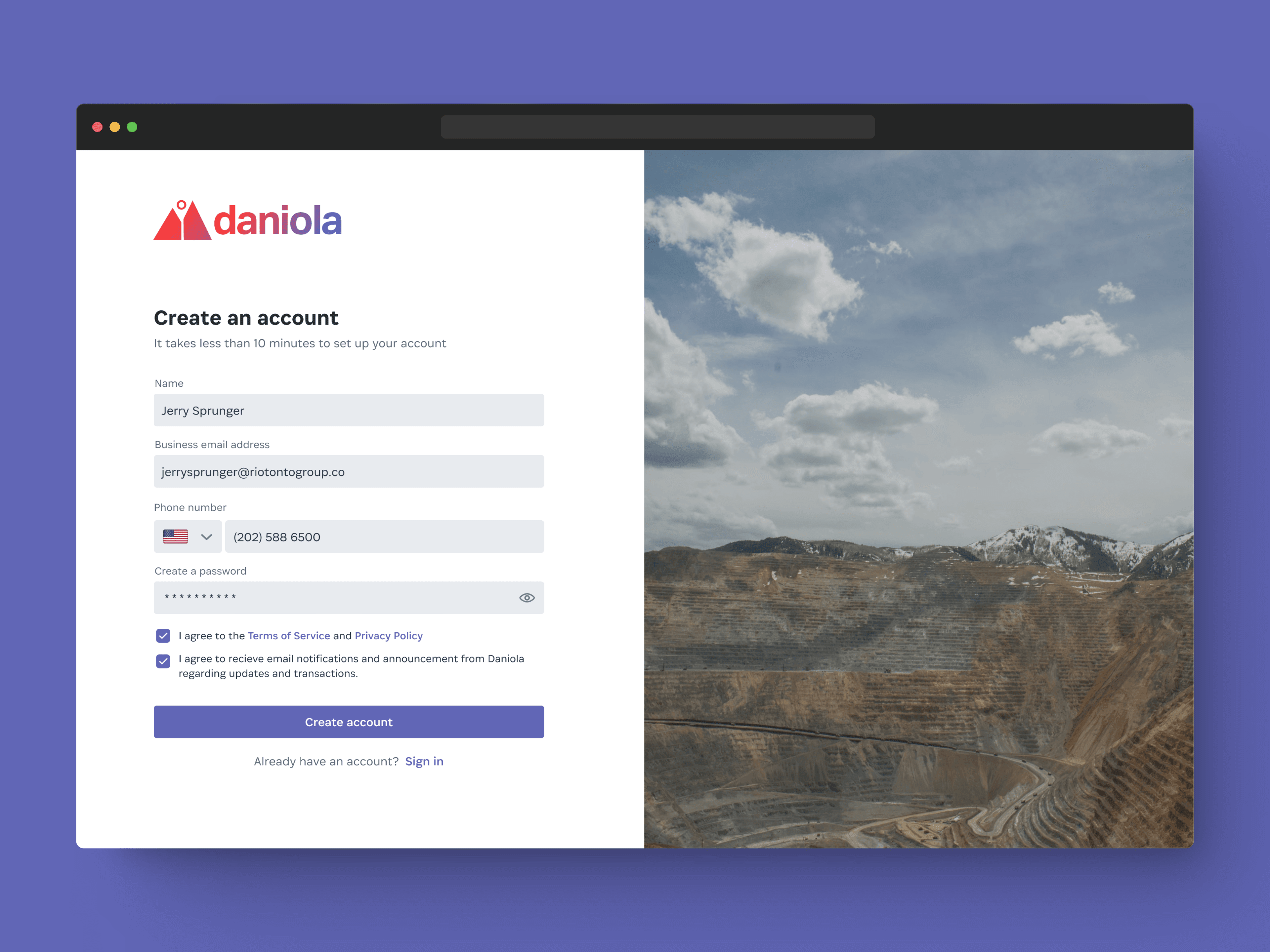
Connecting miners, off-takers, and vendors through a platform built to simplify mining operations and expand their reach.
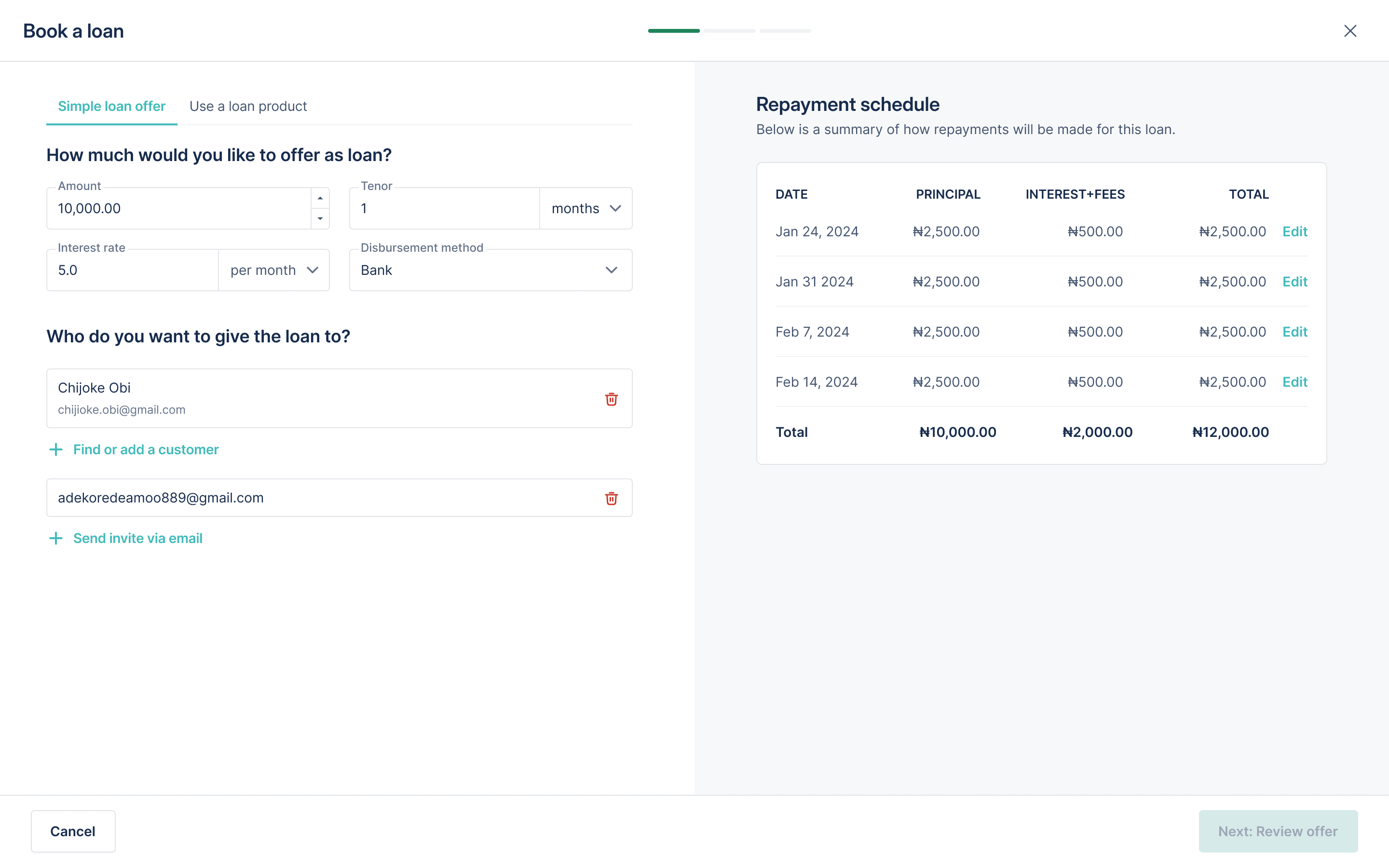
Rethinking the first-time user journey, from identifying lenders and borrowers to simplifying onboarding and helping lenders book their first loan.
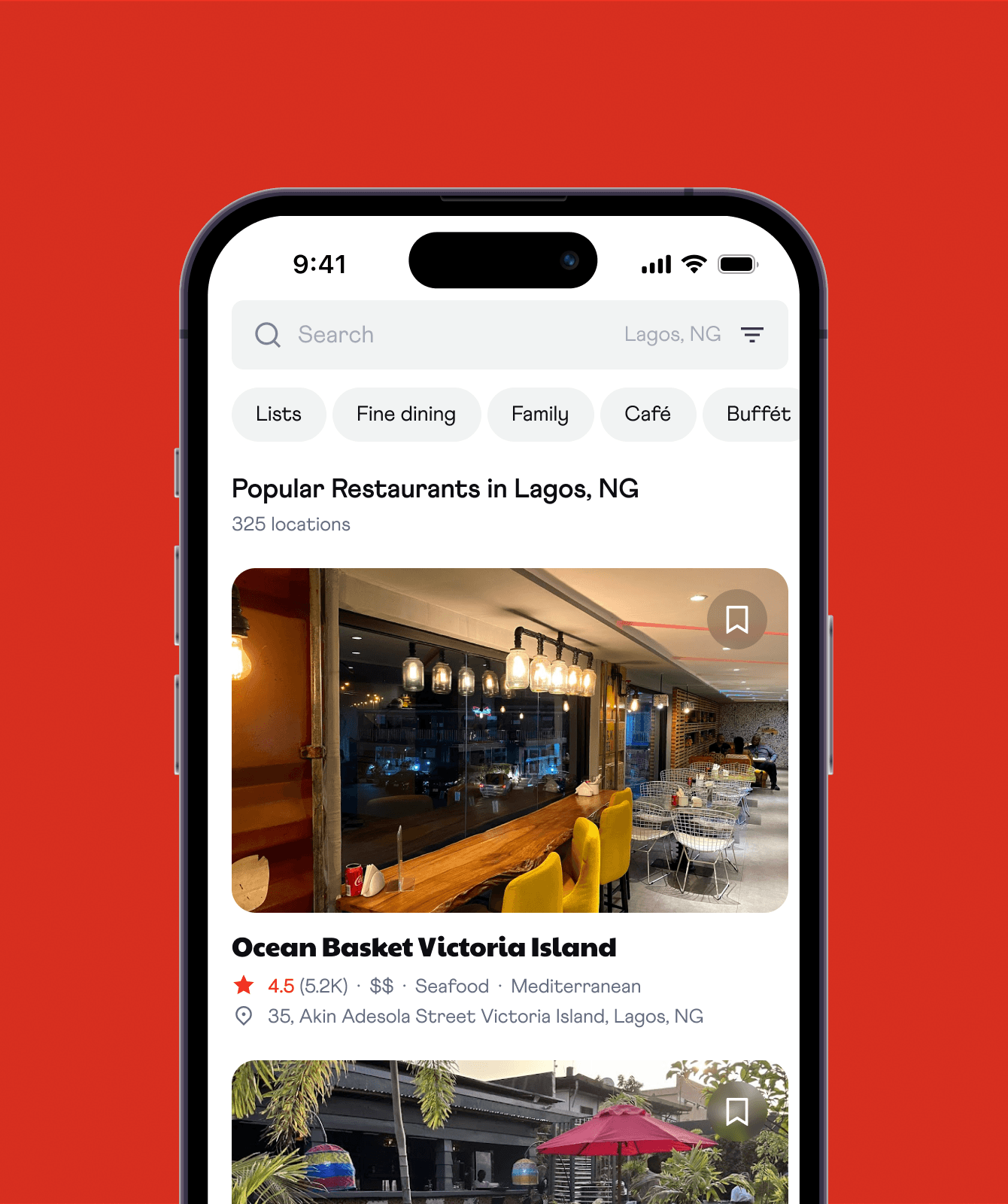
Designing a personalised restaurant discovery experience that helps people find, explore, and save places to eat.
Designing the platform housing API standards for banking and financial institutions and third-party providers in Nigeria.
Bitescout is a mobile app concept for finding a place to eat and keeping the places worth coming back to. I designed the experience from competitor research and user flows through to an interactive prototype and usability testing.
Restaurant recommendations are scattered across social accounts, review platforms, and maps. Finding somewhere appealing is only part of the task: people also need enough information to decide, and a way to keep places for later.
The assessment asked for a mobile app that helps people discover and save restaurants nearby, with quick meal decisions at its centre. I focused on bringing discovery, evaluation, and saving into one connected experience.
I explored TripAdvisor, Resy, Airbnb, Google Maps, and Reisty to understand established discovery patterns. Cuisine, price, and rating filters were common, as were favourites and curated lists. Reisty’s use of trends and topics offered another way to help people find places beyond a direct search.
This was personal research and competitor analysis. It helped define the design direction; it was not a substitute for testing the experience with users.
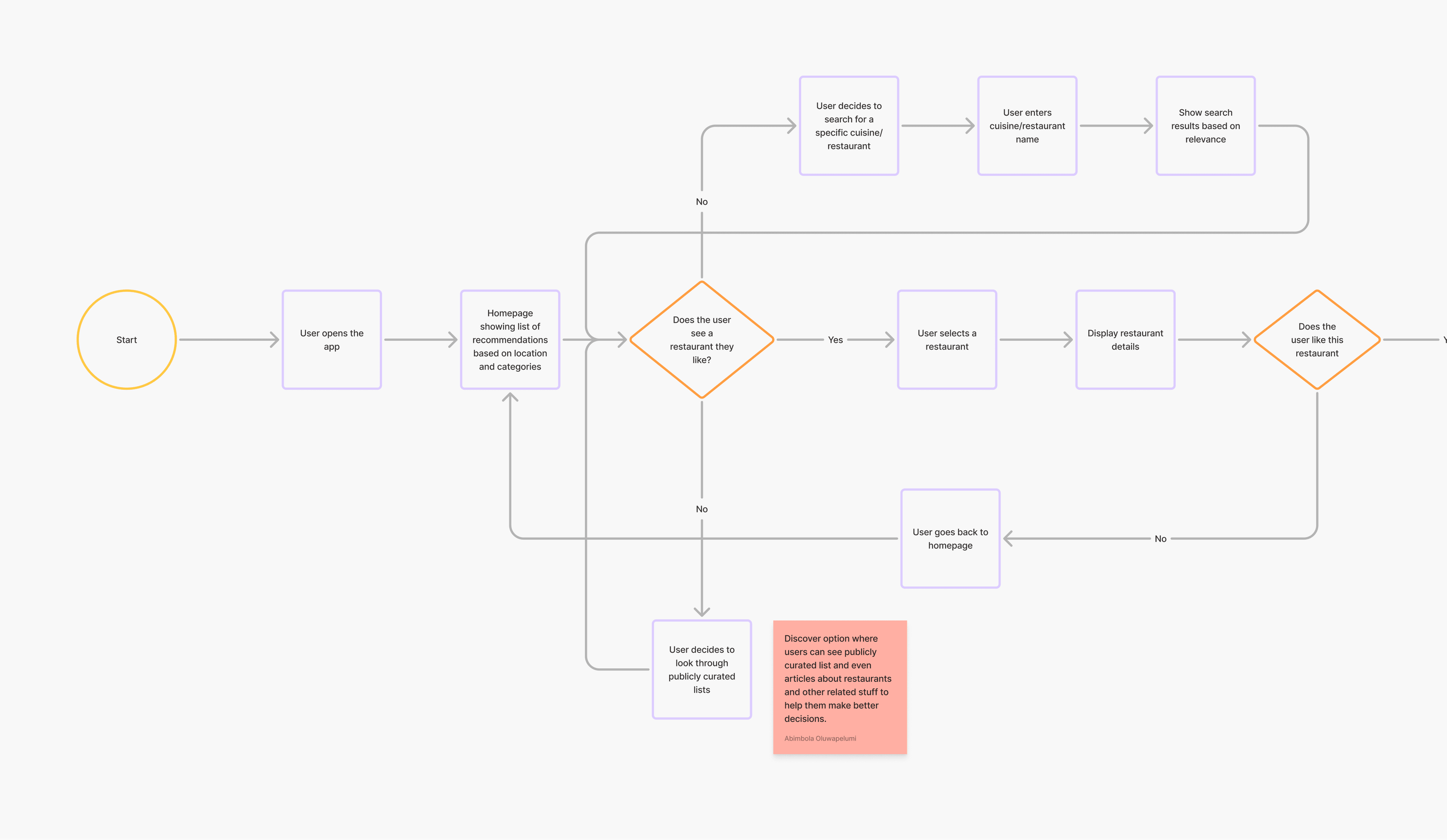
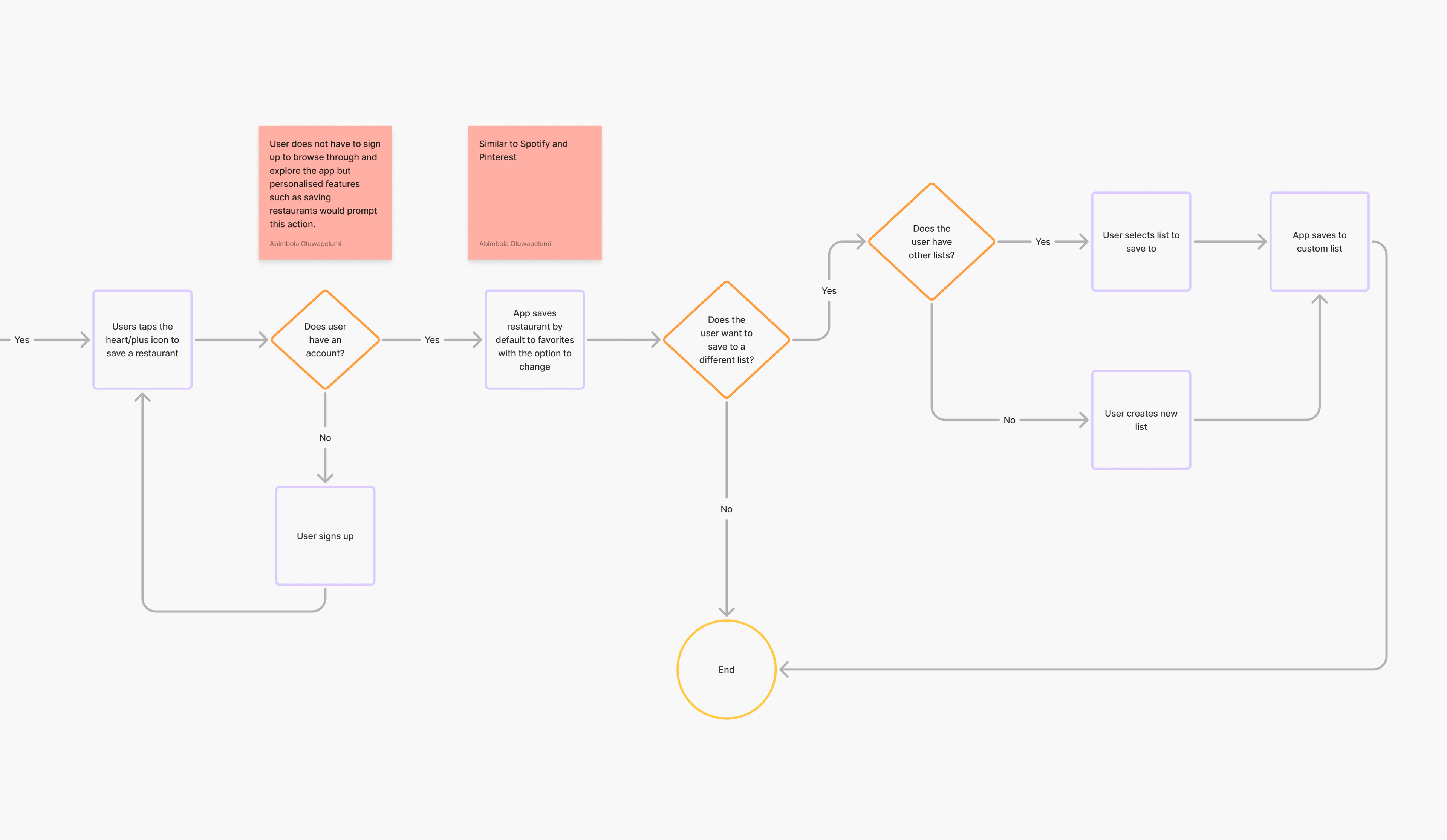
I mapped the steps from finding a restaurant to adding it to a list. The flows accounted for different entry points: nearby browsing, cuisine searches, and community recommendations. The core journey needed to work whether someone arrived with a specific plan or was still looking for inspiration.
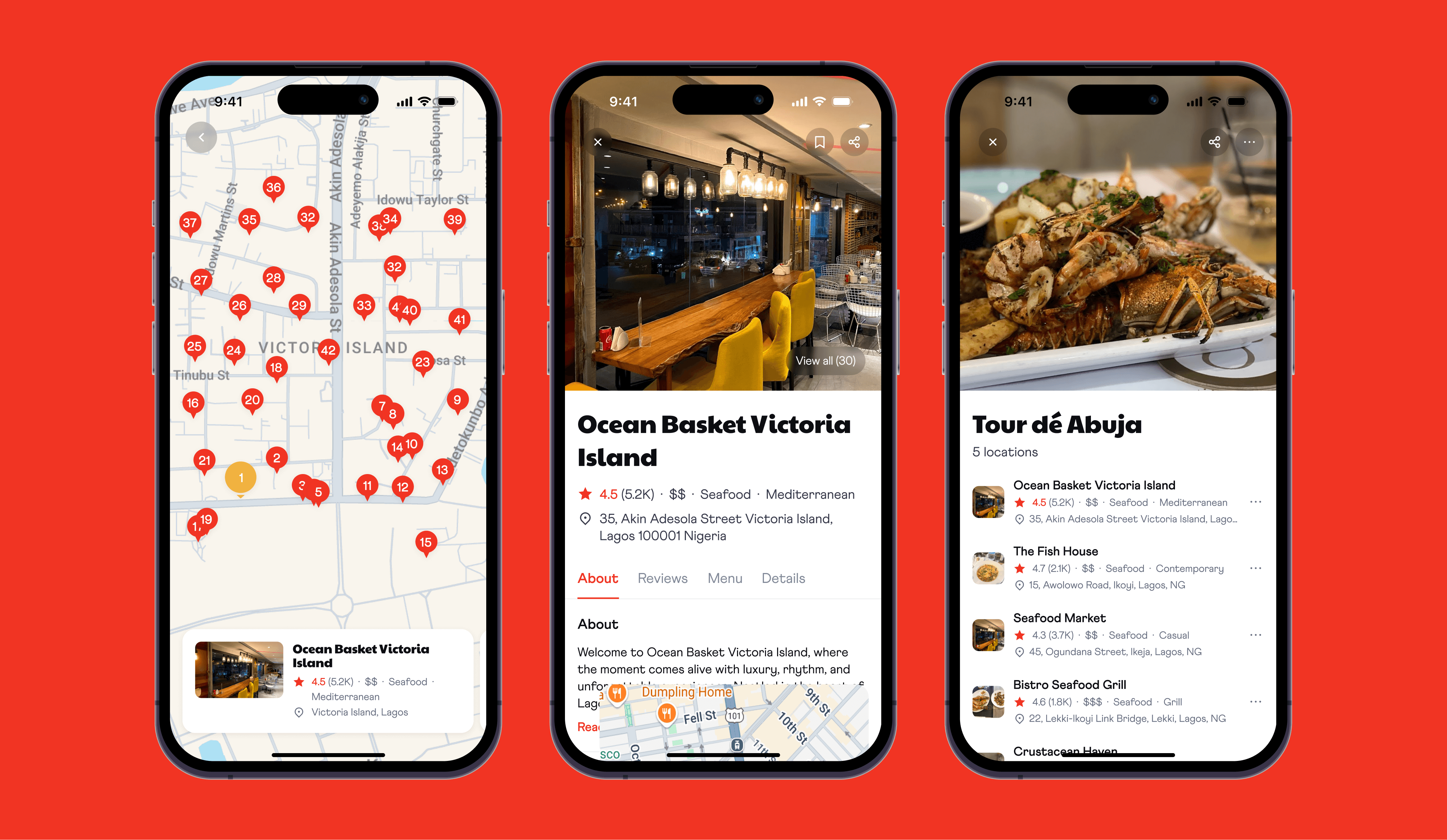
The concept opens straight into nearby restaurants without requiring signup. Map and compact views support two ways of comparing the same options: where a place is, and what it offers.
In map view, numbered markers indicate relevance, while a distinct selected state connects the map to a carousel of restaurant cards. People can explore through either the map or the carousel.
The compact view puts restaurant information into a scrollable list, with quick filters and a shortcut back to the map. Saving is available directly on a card, so a promising place does not require a detour through its details.
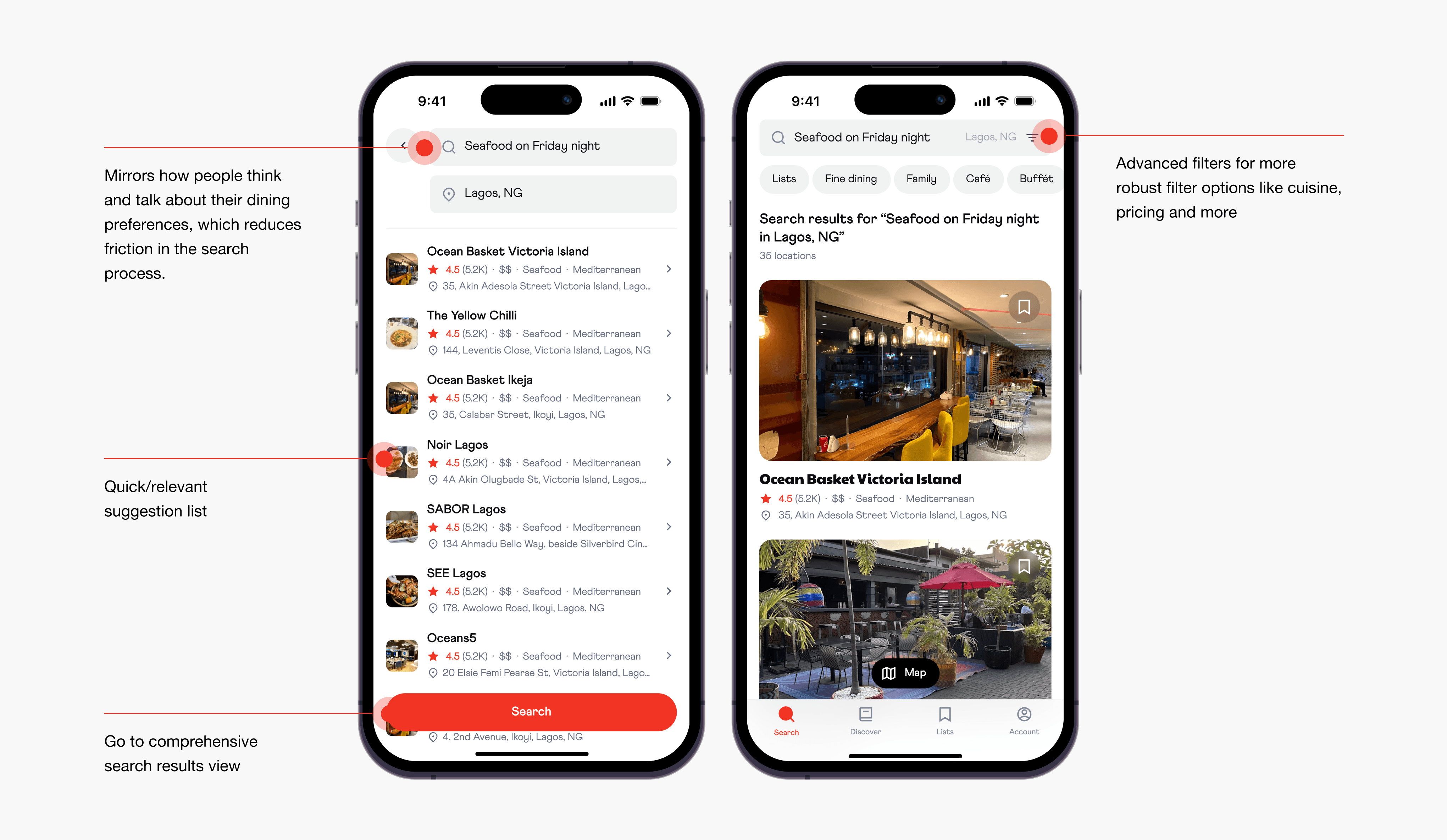
I designed search around phrases such as “Seafood on Friday night,” rather than cuisine keywords alone. The intended interaction captures more of a person’s dining plans and uses that context to frame the results. This is a proposed search behaviour in the concept, rather than a claim about a working search engine.
For people who want more control, advanced filters narrow the options by rating, cuisine, price, and restaurant type. Sorting by relevance, distance, or rating offers a further way to compare the remaining choices.
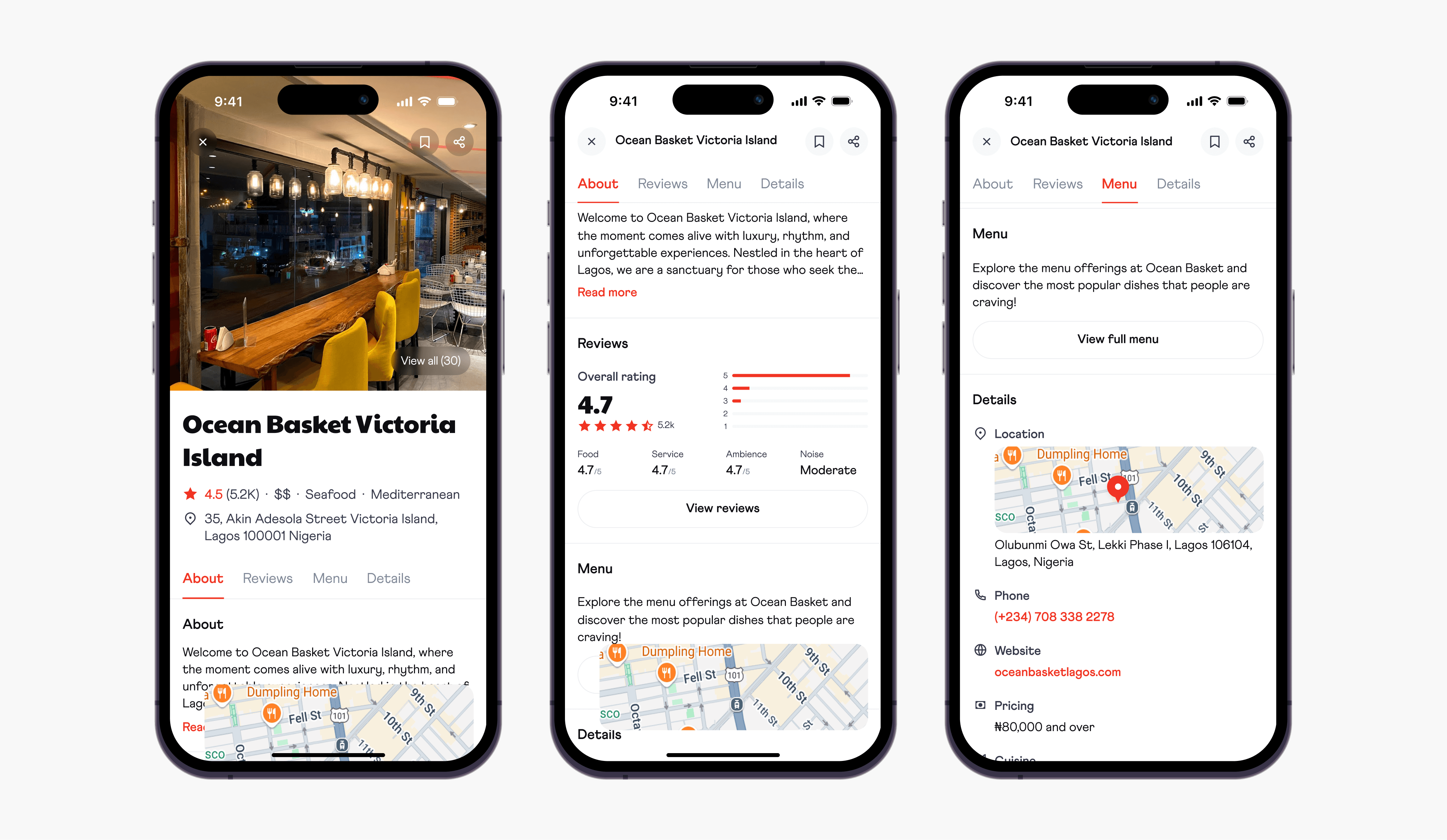
The restaurant detail page brings reviews, menus, and practical information into one place. Tabs make the sections easier to reach, while save and share actions remain part of the decision flow. The goal was to let people move from an interesting recommendation to an informed choice without switching between sources.
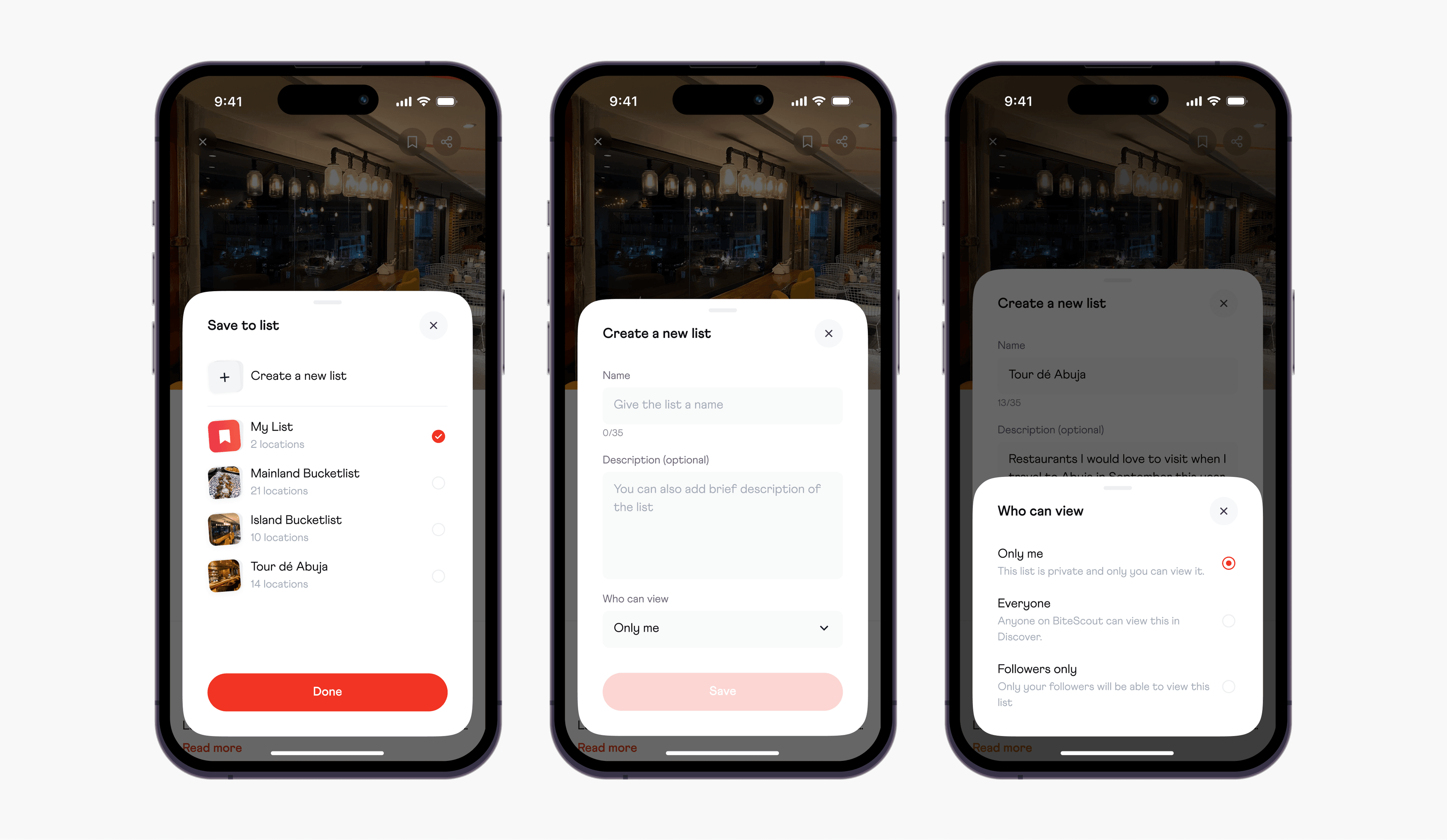
Lists give saved places a purpose: a food tour, favourite spots, or somewhere to try next. The save flow offers “My List” as a default destination and allows a restaurant to belong to multiple lists.
People can also create a list while saving, rather than leave the task to organise things first. The create-list screen includes a character limit and a choice to make the list discoverable to the public or to followers.
I ran an unmoderated Maze usability test with 13 respondents. The test covered searching for a restaurant, reviewing restaurant details, and saving a restaurant to a list.
Average ease rating for search (13 responses)
Average ease rating for saving (13 responses)
Rated saving 4 or 5
The live report shows strong perceived ease for both core flows: search averaged 4.7 out of 5, while saving averaged 4.5 out of 5 across 13 responses. Eleven respondents rated saving 4 or 5, while two rated it 3. Read the full results in the Maze report. With a small test group, these findings are directional feedback rather than evidence of performance in a launched product. The report does not establish gains in retention or restaurant visits.
The gap between search and saving ease makes the save-to-list journey a priority for further review. My next step would be to inspect the test’s friction points, refine the interactions, and test the changes.
The concept also leaves room for a Discover experience built around real dining experiences and community recommendations. That could help people assess recommendations with more context, but its effect on credibility and repeat use would need to be tested.